MCP Admin: Complete Guide to Agentic Infrastructure, Tools, Memory, Automations & Security
🔌 1. Multi-Server Routing & the Master Gateway
One of the most important MCP Admin features is the Master Gateway Router. Rather than asking every AI client to maintain a separate configuration for every MCP server, the gateway acts as the central entry point.
The gateway can aggregate tool and resource schemas, route requests to the appropriate backend server and present a unified capability surface to connected clients. This makes multi-server MCP deployments easier to operate as the number of tools grows.
🎯 The Goal
One agent-facing gateway → many underlying MCP servers. The complexity stays behind the infrastructure boundary instead of leaking into every AI client configuration.
🛠️ 2. Serverless Custom Tools
Pre-built integrations cannot cover every business requirement. Organizations frequently have proprietary APIs, internal workflows and small pieces of business logic that need to become callable by an AI agent.
MCP Admin supports building and hosting custom JavaScript and TypeScript tools directly in the platform environment, allowing those tools to be exposed to connected agents through the gateway.
💻 Build custom tool logic
🔗 Connect internal APIs
📦 Expose reusable capabilities to agents
⚡ Avoid maintaining a separate deployment for every small tool
🧠 3. Persistent Memory
Most AI conversations are session-oriented. Persistent agent memory changes that model by allowing selected context to survive across sessions.
👤 User Preferences
Remember durable preferences and recurring requirements.
📁 Project Context
Preserve important project decisions and constraints.
🔄 Workflow State
Continue long-running processes without rebuilding context from scratch.
The architectural principle is selective persistence: store information that has durable value and retrieve only what is relevant to the current task. Research on agent memory similarly highlights the importance of retaining reusable context rather than blindly persisting entire conversation histories. citeturn0academia12
⚡ 4. Zero-Token Automations
Not every workflow needs an LLM decision at every step. When a process is deterministic, it can be represented as an automation and executed without repeatedly consuming model tokens for predictable operations.
NEW CUSTOMER
↓
Create CRM Record
↓
Apply Segment
↓
Create Follow-Up Task
↓
Send Approved Notification
↓
Log Result
The agent can decide when a workflow is appropriate, while the automation handles the known sequence. This separation can improve consistency and reduce unnecessary model calls.
🌐 5. Web Search & Real-Time Context
Internal knowledge is valuable, but it cannot answer every current question. Agent workflows may also need public information such as recent news, market developments, competitor activity, documentation updates or newly published research.
- 📰 Current news and announcements
- 📈 Market and industry information
- 🏢 Competitor intelligence
- 🔬 Recent research and technical references
- 🌍 Public web information outside the private knowledge base
Combining web context with private organizational information creates a more complete retrieval layer for research and decision-support agents.
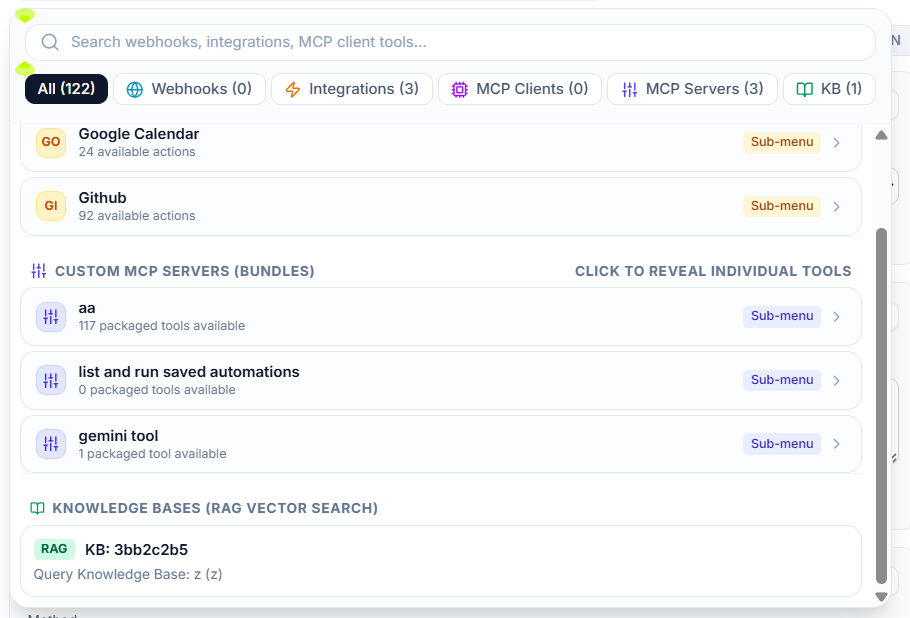
📚 6. Knowledge Bases & Semantic Retrieval
A knowledge base gives agents access to organizational information that is not part of a model’s general training data. Useful sources can include documentation, policies, product information, research, support material and internal operating procedures.
Semantic retrieval is especially useful because users do not always phrase a question using the exact words found in the source document. A retrieval layer can identify conceptually relevant content and provide it to the agent as context.
🔐 7. RBAC & Permission-Based Agent Access
AI agents should not automatically receive unrestricted access to every connected service. Role-based access control (RBAC) provides a mechanism for defining which users, roles or agent environments can access particular capabilities.
🔑 Restrict sensitive tools
👥 Separate administrator and operator permissions
🗄️ Control access to data sources
🤖 Limit agent capabilities according to the workflow
🛡️ Apply least-privilege principles
🧾 8. JSON-RPC Validation
MCP communication relies on structured protocol messages. MCP Admin positions JSON-RPC validation at the gateway boundary so requests can be checked before they are forwarded to downstream infrastructure.
This is important because an agentic gateway is not merely a proxy. It is a policy and execution boundary where malformed, unauthorized or inappropriate operations should be handled deliberately.
🛑 9. Human-in-the-Loop Guardrails
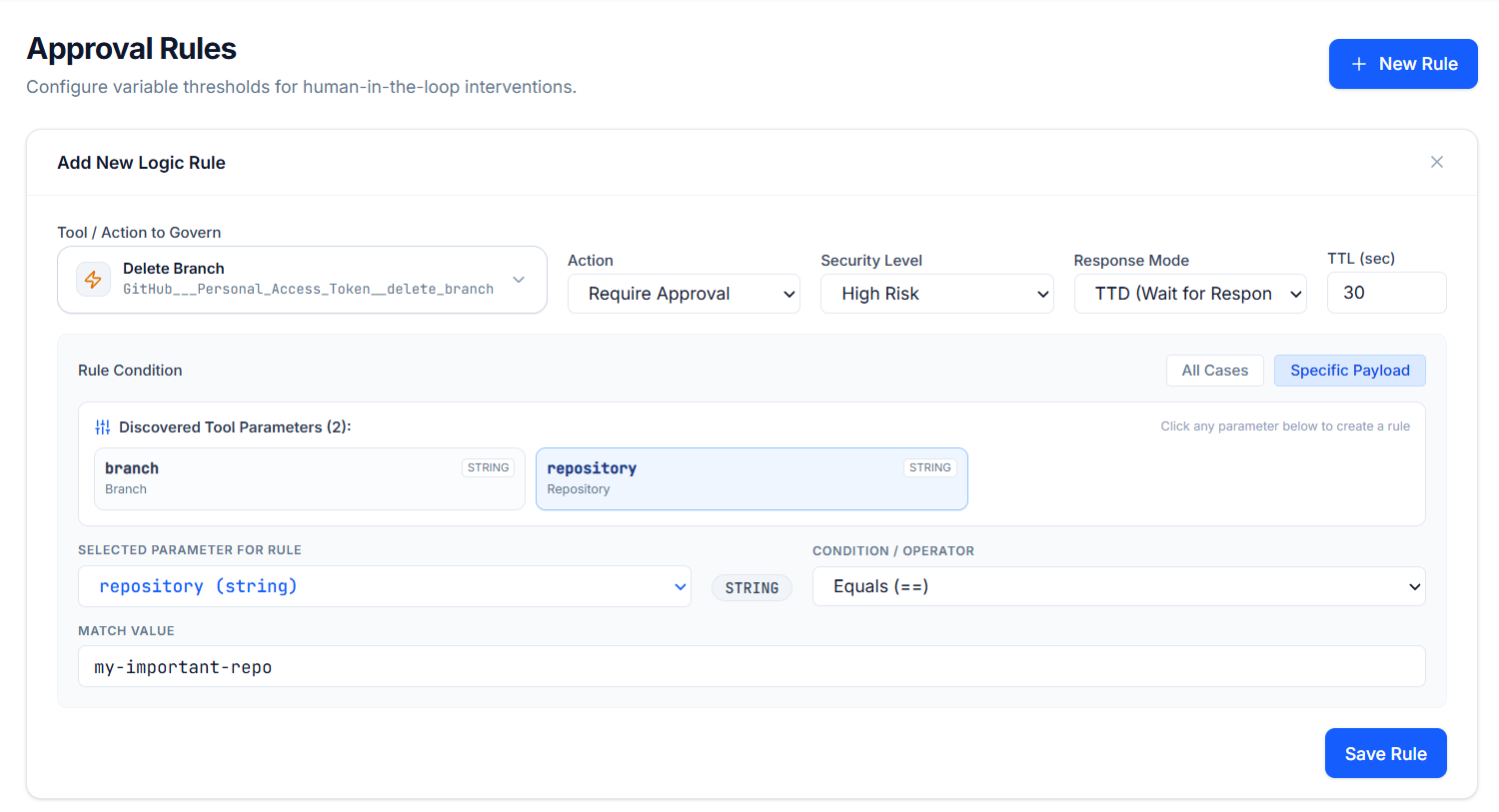
Some operations are too consequential to execute automatically. MCP Admin can place policy checks in front of sensitive operations and require administrator approval before execution.
🚨 Example: An agent attempts a destructive database operation.
⛔ Policy: Block automatic execution.
👨💼 Administrator: Review and approve or reject.
This creates a practical boundary between autonomous reasoning and high-impact actions.
🔑 10. Token & Secrets Vault
Agent infrastructure often needs credentials for external APIs. Putting those secrets directly into every AI client configuration increases the risk of leakage and makes rotation harder.
A centralized secrets vault allows credentials to remain on the infrastructure side while the gateway attaches the required authentication information to authorized outgoing requests.
📊 11. Complete Telemetry & Auditability
When an AI agent can call real systems, observability becomes essential. Teams need to understand what happened, which tool was invoked, how long it took and whether the operation succeeded.
⏱️ Latency
Measure execution performance and bottlenecks.
🔍 Payload Inspection
Inspect relevant JSON-RPC traffic for troubleshooting.
🧾 Audit Logs
Maintain an operational record of important executions.
🤖 12. Connect the AI Clients You Already Use
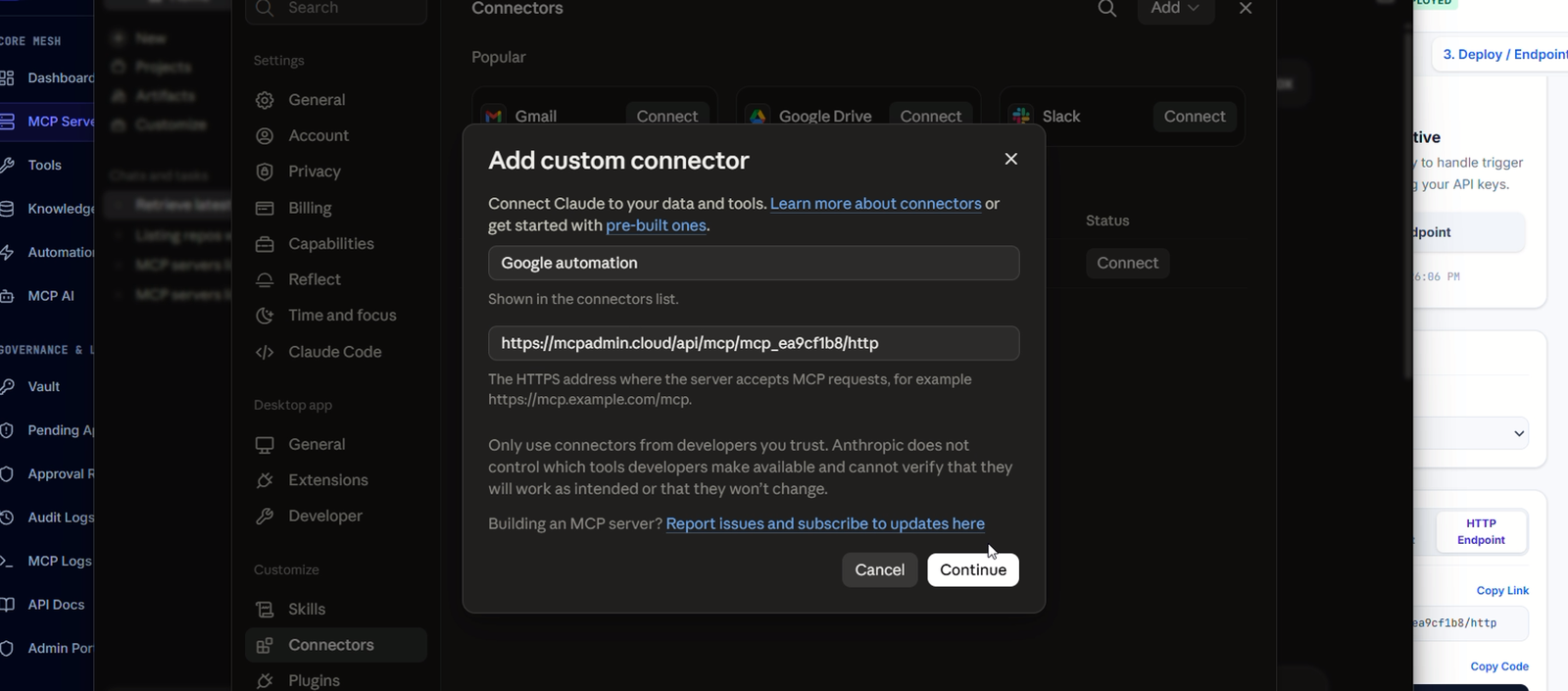
The control plane is designed around broad MCP compatibility. MCP Admin can sit between the gateway and environments such as:
🟣 Claude Desktop
⌨️ Cursor IDE
🌊 Windsurf
🔵 Gemini agents
🟢 OpenAI GPTs
🤖 AutoGPT
🦜 LangChain
🧩 Custom LLM applications and bots
🗄️ 13. Connect Business & Developer Infrastructure
The other side of the control plane is the infrastructure your agents need to reach.
💾 Data
- PostgreSQL
- Vector databases
- Data warehouses
👨💻 Engineering
- GitHub APIs
- Jira
- AWS SDKs
🌟 Operations
- Slack
- CRM systems
- Payment tools
- Custom APIs
🔄 14. The Complete MCP Admin Execution Pipeline
- AI CLIENT INVOKES
↓- MASTER GATEWAY RECEIVES REQUEST
↓- JSON-RPC VALIDATION
↓- RBAC / POLICY CHECK
↓- HUMAN APPROVAL IF REQUIRED
↓- ROUTE TO MCP SERVER / TOOL
↓- ATTACH AUTHORIZED SECRET
↓- EXECUTE
↓- RETURN RESULT TO AGENT
↓- TELEMETRY + AUDIT
↓- STORE RELEVANT MEMORY / STATE
This pipeline illustrates the core idea behind agentic infrastructure: AI reasoning is connected to execution through a governed protocol boundary.
🧪 15. Real-World Example: AI Customer Support Agent
Suppose a support agent receives: “Why is this customer’s deployment failing, and what should we do next?”
📚 Search the knowledge base for the relevant deployment procedure.
🗄️ Retrieve customer or deployment information from approved systems.
🔎 Query logs or infrastructure through authorized tools.
🌐 Search current public documentation if an external dependency has changed.
🧠 Retrieve relevant historical context from memory.
🤖 Ask the model to synthesize the evidence.
🛑 Require approval if the recommended action is high impact.
⚙️ Execute a deterministic remediation workflow when approved.
🧾 Record the execution and preserve useful state.
The result is not simply a chatbot response. It is a context-aware operational agent connected to the systems required to investigate and act.
📈 Why These Features Matter Together
Capability What it solves Agent benefit
🔌 Gateway routing Endpoint sprawl One agent-facing interface
🛠️ Custom tools Proprietary logic Agents can use internal capabilities
🧠 Memory Session amnesia Cross-session continuity
⚡ Automations Repeated model calls Deterministic execution
🌐 Web search Stale context Real-time information
📚 Knowledge base Private information gaps Grounded organizational context
🛡️ RBAC Excessive permissions Controlled access
🛑 Human approval High-impact actions Safe autonomy
🔑 Secrets vault Credential exposure Centralized secret handling
📊 Telemetry Operational blind spots Debugging and accountability
🎯 Who Is MCP Admin For?
👨💻 AI engineers building tool-using agents
🏢 Companies connecting AI to internal systems
🧑🔬 Research teams combining knowledge and web search
⚙️ Automation teams building deterministic pipelines
🔐 Security teams governing AI access to infrastructure
📊 Platform engineers operating multiple MCP servers
🚀 Product teams turning copilots into operational agents
❓ Frequently Asked Questions
What is MCP Admin?
MCP Admin is an agentic infrastructure control plane for connecting AI clients to tools, memory, integrations and automated workflows through a governed MCP gateway.
What is the MCP Admin Master Gateway?
It is the central routing layer that can aggregate capabilities from multiple MCP servers and provide a unified interface to connected AI clients.
Does MCP Admin provide persistent memory?
Yes. Persistent memory is designed to let agents retain useful context across sessions, supporting long-running and personalized workflows.
What are zero-token automations?
They are deterministic workflows that can execute known sequences of backend operations without requiring an LLM token for each step.
Can MCP Admin connect custom tools?
Yes. Custom JavaScript and TypeScript tools can be used to expose proprietary business logic and APIs to connected agents.
How does MCP Admin secure agent actions?
The platform’s architecture includes RBAC, JSON-RPC validation, policy checks, human-in-the-loop approval, centralized secrets handling and telemetry for governed execution.
🚀 Build the Infrastructure Your AI Agents Actually Need
The next step in AI is not simply giving models larger context windows. It is giving agents reliable access to the right context, tools, memory and execution layer while maintaining control over what they are allowed to do.
That is the role of an agentic control plane. With MCP Admin, tools, persistent memory, knowledge, web intelligence, integrations, automations, routing, security and observability can be brought into one infrastructure layer.
thats comprehensive. thanks for posting. https://mcpadmin.cloud it made for this exact purpose.
lets go
Ok I like the simplicity, but we have to talk about the search limits on MCP Admin app
There are no search limits. Both query and fetch_url is free forever