Automate Your AI Workflows: The Complete Guide to Zero-Token Deterministic Automations with MCP Admin
Automate Your AI Workflows: The Complete Guide to Zero-Token Deterministic Automations with MCP Admin
Imagine never manually executing the same tool sequence twice again. Welcome to the world of deterministic automations powered by MCP Admin—where Claude, your favorite AI agents, and your entire infrastructure work together in perfect harmony.
If you’re tired of repetitive tasks, complex workflows, and wasted token budgets on redundant operations, this comprehensive guide will show you exactly how MCP Admin transforms the way you build AI workflows.
What Are Zero-Token Deterministic Automations?
Let’s start with the basics. Traditional AI workflows have a fundamental problem: every time you execute the same sequence of steps, you’re burning tokens. If you need to check your calendar, create a task, and send a notification—that’s happening through the LLM every single time, consuming tokens and increasing latency.
Zero-token automations are different.
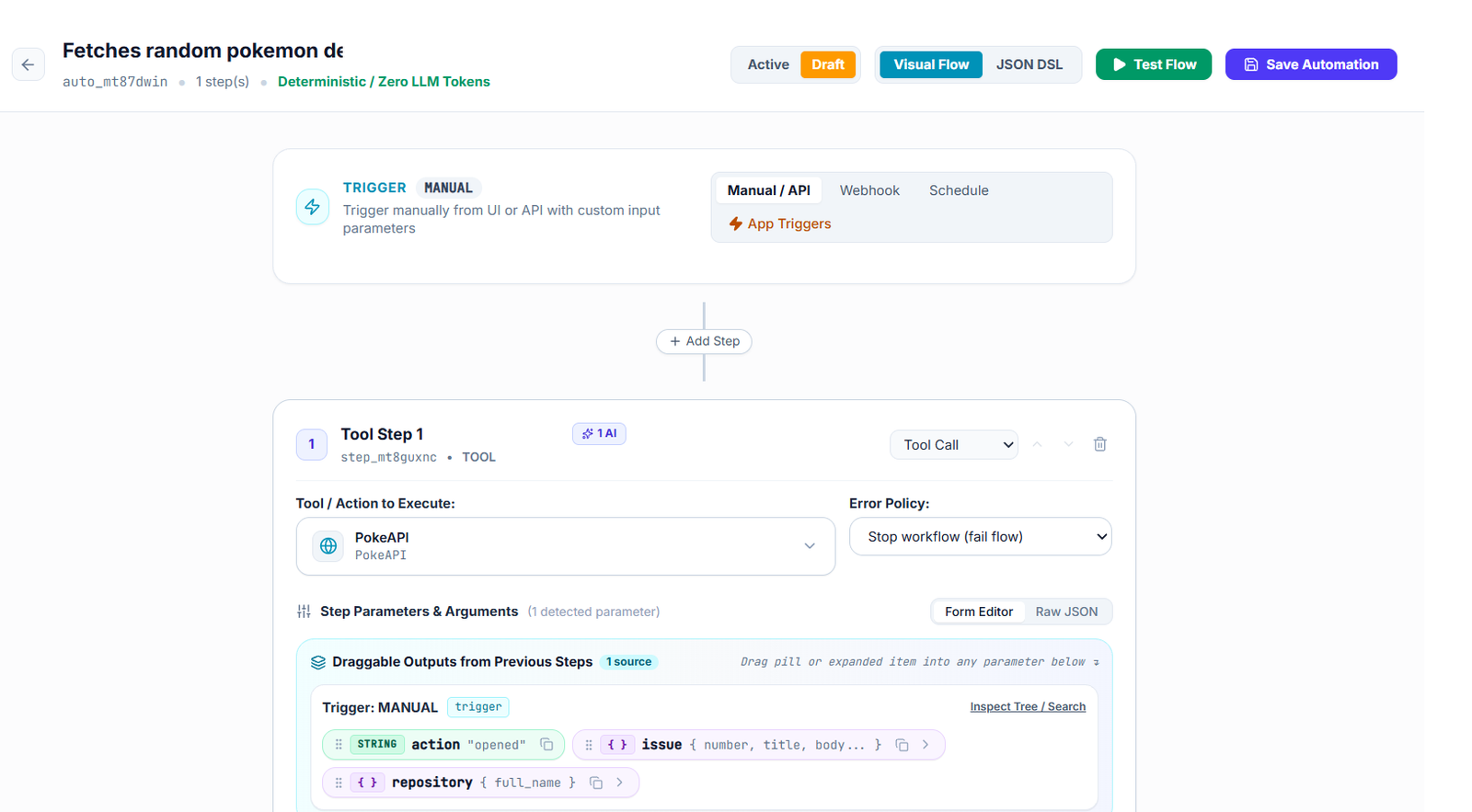
A zero-token automation is a pre-defined, deterministic workflow saved in MCP Admin that:
- ⚡ Executes without consuming LLM tokens – The workflow runs based on pure logic, not AI inference
- 🔄 Follows the exact same path every time – No variability, no randomness—consistent results guaranteed
- 🚀 Runs instantly – No wait for AI processing, immediate execution
- 💾 Remains persistent – Save once, use forever across all sessions and agents
- 🌍 Works with any AI agent – Claude, ElevenLabs, n8n, and custom bots can all leverage the same automations
Think of it like this: instead of asking Claude to do something every time, you’re telling Claude “I have this automation saved—just trigger it.”
Why Automations Matter: The Real-World Impact
Problem #1: Token Waste
Every routine task your AI performs burns tokens. Searching emails, checking calendars, formatting data—these are deterministic operations that don’t need AI reasoning, yet they consume your token budget.
Problem #2: Latency
When every operation requires LLM processing, workflow latency multiplies. A 10-step automation might take 30+ seconds if each step needs AI involvement.
Problem #3: Scalability Limits
As your operations grow, token costs and latency compound. You need a way to scale without scaling costs.
The MCP Admin Solution
Save your common workflows as automations once. Then trigger them instantly, zero tokens, every time. At scale, this transforms your cost structure and performance profile entirely.
What Can You Automate? Real Examples
📧 Email & Communication Automations
- Email Archive & Tag: Automatically archive emails older than 30 days and tag them with categories
- Response Template Sender: Create quick replies for frequent email patterns without AI intervention
- Meeting Reminder System: Send reminders before scheduled meetings by checking calendar and firing notifications
📋 Task & Project Management
- Daily Task Summary: Collect all tasks due today, prioritize by deadline, format and send report
- Project Status Update: Pull task completion rates, format as status report, update stakeholders
- Recurring Task Creator: Every Monday, automatically create weekly team meeting prep tasks
💾 Data & Knowledge Management
- Document Processor: Extract data from incoming documents, categorize, and file in proper locations
- Knowledge Base Updater: Scan new content, extract key information, update internal knowledge base
- Data Enrichment Pipeline: Take raw data, cross-reference with existing records, create enriched datasets
🔗 Multi-Tool Integration Flows
- GitHub → Slack Pipeline: Monitor GitHub PRs, create Slack notifications with formatted summaries
- Database Sync: Automatically sync data between your CRM, spreadsheets, and analytics tools
- Content Distribution: Publish to WordPress, schedule social media posts, send email newsletters—all in one automation
🤖 Multi-Agent Coordination
- Agent Handoff Workflows: Task passes from Claude to n8n to ElevenLabs, each handling their specialty
- Cross-Agent Memory Sharing: One agent’s output becomes another agent’s input through persistent MCP memory
- Distributed Processing: Parallelize tasks across agents, aggregate results, format output
How to Build & Save Automations: Step-by-Step
Step 1: Define Your Workflow
Identify a sequence of steps you perform repeatedly. Examples:
- Check email → Filter by sender → Extract data → Save to file
- Pull GitHub issues → Format as report → Send to Slack
- Query database → Transform data → Update spreadsheet
Step 2: Compose Your Automation Using MCP Admin Tools
MCP Admin provides a comprehensive toolkit:
- Integration Tools: WordPress, GitHub, Gmail, and 100+ more services
- Web Search: Real-time information retrieval and data gathering
- Persistent Memory: Store and retrieve data across workflow executions
- Conditional Logic: If-then workflows based on data conditions
- Data Transformation: Extract, format, and restructure data
- Multi-step Chains: Orchestrate complex sequences across multiple tools
Step 3: Test Your Workflow
Run through your automation with test data. Ensure each step produces expected output. Verify error handling and edge cases.
Step 4: Save as Deterministic Automation
Once tested, save your workflow in MCP Admin as a named automation. This creates a persistent, reusable asset:
// Example automation structure
Automation: "Daily Email Summary"
Trigger: 8:00 AM Daily
Steps:
  1. Query Gmail for emails from last 24 hours
  2. Extract sender, subject, date
  3. Format as markdown table
  4. Send to Slack channel
  5. Archive emails processed
Token Cost: 0 (fully deterministic)
Step 5: Trigger Anytime, Anywhere
Now, whenever you (or any AI agent) need this automation:
Claude: "Run the daily email summary"
MCP Admin: Executes immediately, zero tokens, returns formatted report
Done in <1 second
The Automation Lifecycle: From Creation to Mastery
Phase 1: Identify (Week 1)
Document your 5-10 most repetitive workflows. These are your automation candidates.
Phase 2: Build (Week 2-3)
Create and test automations for your top 3 use cases. Start simple, iterate based on results.
Phase 3: Deploy (Week 4)
Save automations in MCP Admin. Train your team and AI agents to use them.
Phase 4: Scale (Month 2+)
Build more automations. Create cross-automation workflows. Build your automation library.
Phase 5: Optimize (Ongoing)
Monitor automation performance. Refine based on execution patterns. Remove unused automations.
Why MCP Admin is the Game-Changer
🎯 Multi-AI Agent Support
Works with Claude, ElevenLabs, n8n, and custom bots. Build once, use everywhere. Your automations aren't locked into one AI platform—they're universal infrastructure for your entire agent ecosystem.
⚡ True Zero-Token Execution
Unlike prompt-based solutions that simulate workflows, MCP Admin automations execute deterministically without touching your LLM token budget. Save thousands of dollars monthly on routine operations.
💾 Persistent Memory Integration
Store workflow state, user preferences, and historical data. Automations can learn from past executions and adapt accordingly while remaining zero-token.
🔐 Unified Security Gateway
All your tools, integrations, and infrastructure connect through one secure MCP Admin control plane. Manage permissions, audit logs, and access controls centrally.
🚀 Polling & Triggers (24/7)
24/7 trigger polling means automations can run without your involvement. Set a trigger—"when new email arrives," "every hour," "when GitHub PR is created"—and MCP Admin handles the rest, polling constantly for you.
📊 Execution History & Analytics
Track every automation execution. See what ran, when, how long it took, and what it produced. Monitor costs, latency, and success rates.
Real-World Workflow Example: Complete Walkthrough
Scenario: You manage a support team. Every morning, you need:
- Pull all customer emails from last 24 hours
- Categorize by urgency (critical, high, medium, low)
- Create tasks in your project management tool for each ticket
- Send team summary to Slack
- Archive processed emails
The Old Way (With AI Processing)
Claude Call: "Process yesterday's support emails"
- Claude reads emails: 50 tokens
- Claude categorizes: 75 tokens
- Claude creates tasks: 60 tokens
- Claude formats Slack message: 40 tokens
Total: ~225 tokens per execution
Cost: ~$0.01 per execution
Latency: 15-20 seconds
Scalability: 100 emails/day × 225 tokens = problematic at scale
The MCP Admin Way (Automation)
Saved Automation: "Daily Support Email Processing"

MCP Admin executes:
1. Query Gmail API (no tokens needed)
2. Extract & categorize using rules engine (no tokens)
3. Create tasks via API (no tokens)
4. Format and send Slack message (no tokens)
5. Archive emails (no tokens)

Total: 0 tokens per execution
Cost: ~$0 per execution
Latency: <1 second
Scalability: Handle 1000s of emails/day without scaling costs
Annual Savings: $2,500+ in token costs + 99% latency reduction + unlimited scalability
Building Your Automation Library
Start with these foundational automations and expand:
| Automation Type | Complexity | Token Savings | Setup Time |
|---|---|---|---|
| Simple Email Archive | Beginner | Low | 15 min |
| Daily Report Generation | Intermediate | Medium | 45 min |
| Multi-Tool Data Pipeline | Advanced | High | 2 hours |
| Cross-Agent Workflow | Expert | Very High | 4 hours |
Common Mistakes & How to Avoid Them
❌ Mistake #1: Over-Automating Too Quickly
Fix: Start with 3-5 automations. Master them. Then expand.
❌ Mistake #2: Making Automations Too Rigid
Fix: Build in conditional logic and error handling. Automations should adapt to data variations.
❌ Mistake #3: Ignoring Monitoring
Fix: Set up alerts for failed executions. Review logs weekly. Optimize based on patterns.
❌ Mistake #4: Not Documenting Automations
Fix: Document purpose, inputs, outputs, and dependencies. Future you will thank you.
The Future of AI Infrastructure: Deterministic at Scale
As AI agents become standard across enterprises, one truth becomes clear: not every AI interaction needs to be generative. Routine operations, data pipelines, and process automation don't need reasoning—they need reliability and speed.
MCP Admin recognizes this. By enabling zero-token automations, persistent memory, and multi-agent orchestration, it transforms AI infrastructure from a token-burning playground to a genuine business tool.
The future isn't more AI—it's smarter AI. AI that knows when to reason and when to execute. AI infrastructure that scales without cost.
Getting Started: Your Next Steps
- Visit MCP Admin: Head to https://mcpadmin.cloud
- Connect Your Tools: Link your email, project management, Slack, GitHub, and other services
- Create Your First Automation: Choose one daily task and automate it
- Test & Deploy: Run through your automation, verify outputs, save it
- Scale Gradually: Build more automations. Create your own library.
Your AI infrastructure deserves better than burning tokens on routine tasks. Transform to zero-token deterministic automations today.
FAQ: Everything You Need to Know
Q: Will I lose flexibility by using automations instead of AI?
A: No. Use automations for routine, deterministic tasks. Use Claude for complex reasoning. The best workflows use both strategically.
Q: How long does it take to save an automation?
A: 5-30 minutes depending on complexity. Simple automations save in minutes. Complex multi-tool workflows may take an hour.
Q: Can automations call other automations?
A: Yes! Build meta-automations that orchestrate other automations. Create sophisticated workflows by composing simple building blocks.
Q: What if my automation fails?
A: MCP Admin tracks all executions. You'll see detailed logs of what failed and why. Debug, fix, and redeploy.
Q: Can I share automations across team members?
A: Absolutely. Automations are team assets. Share your library, collaborate on improvements, and scale across your organization.
Conclusion: The Automation Revolution Starts Now
MCP Admin represents a paradigm shift in AI infrastructure. Instead of asking "How can AI do this?" ask "Should AI do this?" Many tasks don't need reasoning—they need reliability.
Zero-token deterministic automations are your answer. Fast. Cheap. Reliable. Scalable.
Build your first automation today. Your token budget—and your team—will thank you.
Ready to transform your AI workflows? Start automating with MCP Admin now.
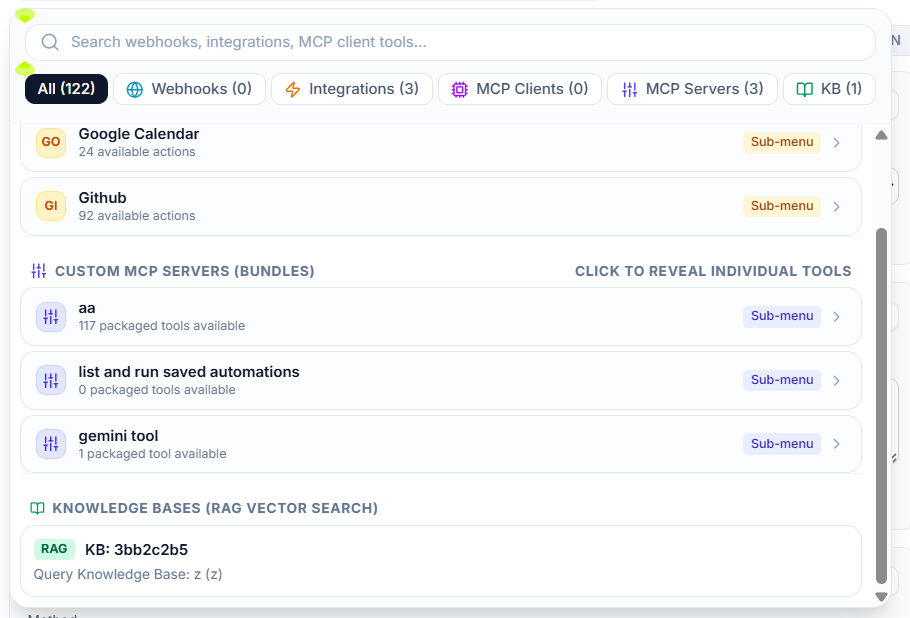
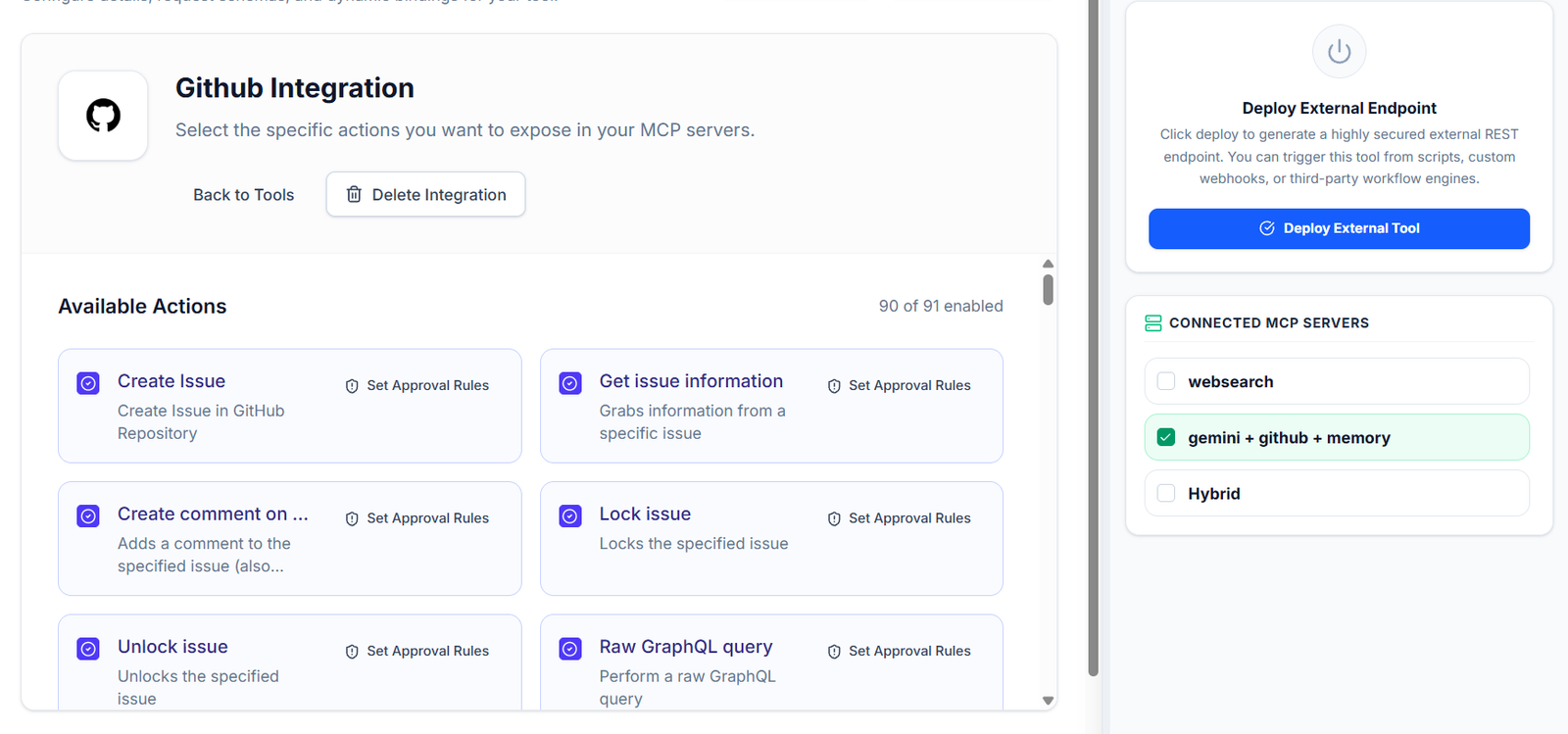
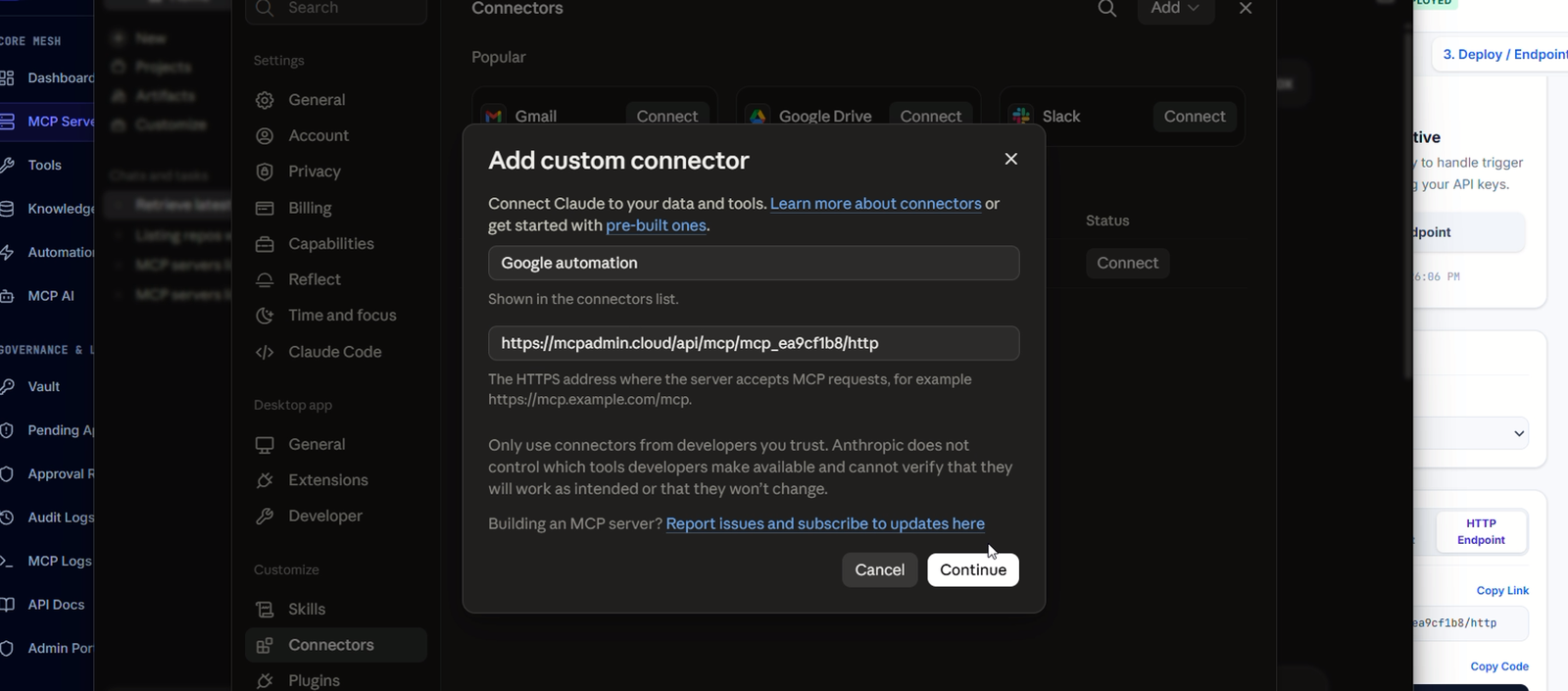
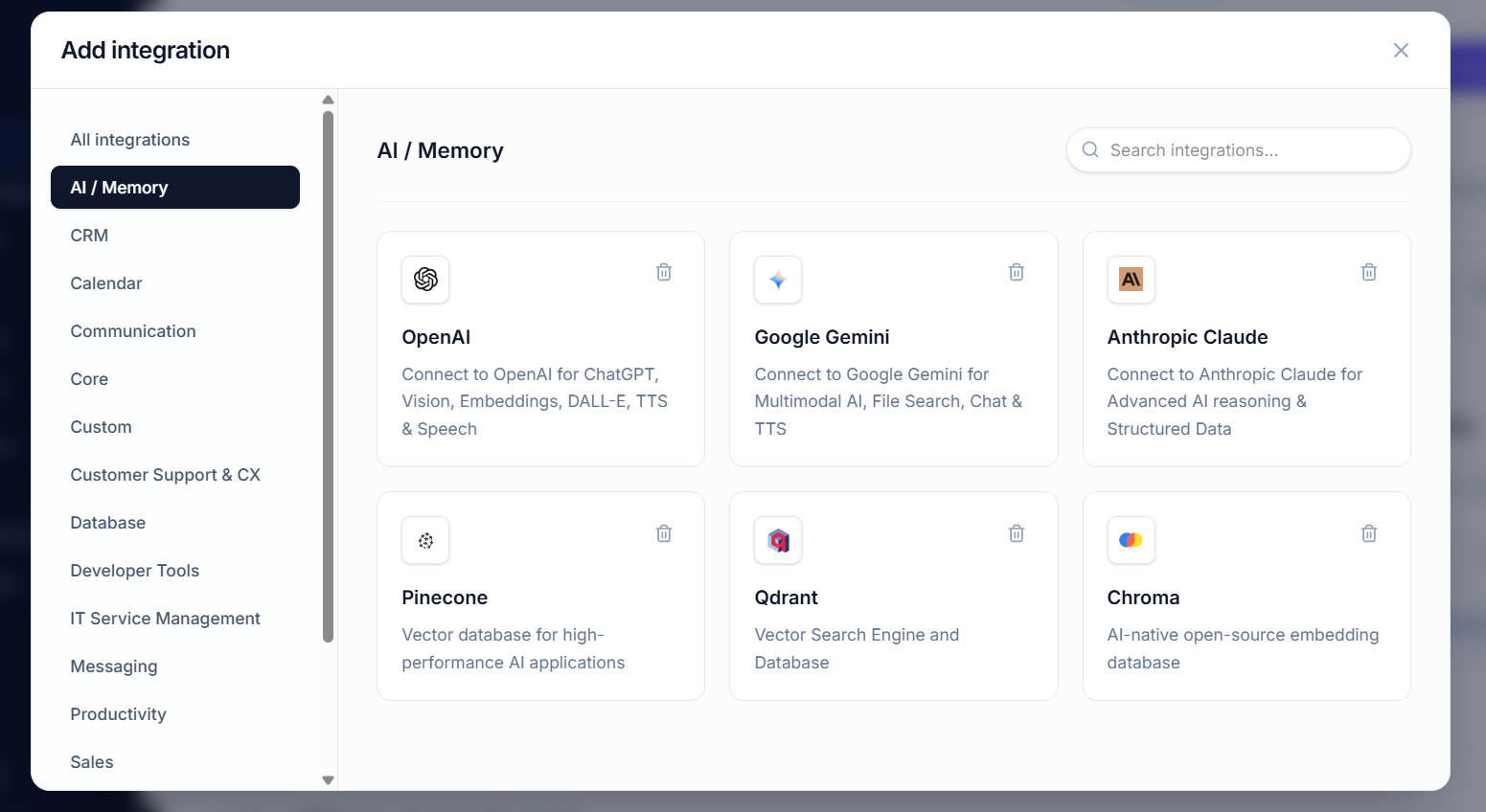
ASK claude to “save as automation” to save any repetitive tool’s access into a flow