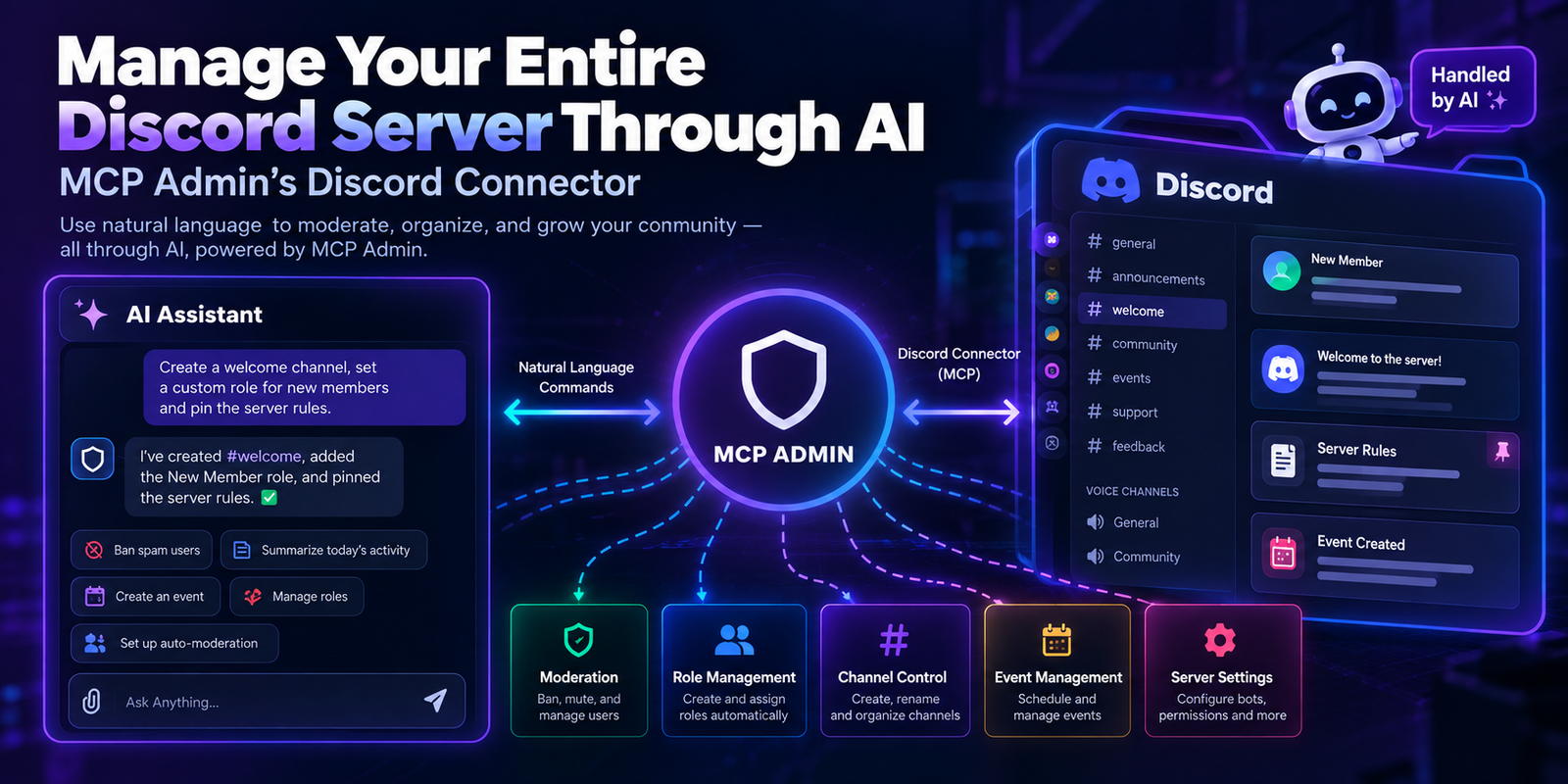
Manage Your Entire Discord Server Through AI — MCP Admin’s Discord Connector
Running a Discord community shouldn’t mean living inside the app 24/7. With MCP Admin’s Discord integration, your AI assistant can now handle server management, moderation, and engagement — all through simple prompts.
Here’s what’s on tap:
💬 Messaging
Send messages via bot or webhook, reply in threads, edit or bulk-delete messages, pin/unpin, and manage reactions.
🛡️ Moderation
Ban/unban members, assign or remove roles, bulk-clean channels, and remove problematic reactions — all logged with reasons.
👥 Member Management
List, search, and fetch guild members; add or remove roles; create DM channels.
📁 Channels & Threads
Create, rename, delete, or find channels; spin up threads from messages or from scratch; manage active/archived threads.
🎭 Roles & Permissions
Create, update, or delete custom roles with full control over color, mentionability, and hierarchy.
📅 Events
Create, update, or cancel scheduled events to keep your community engaged.
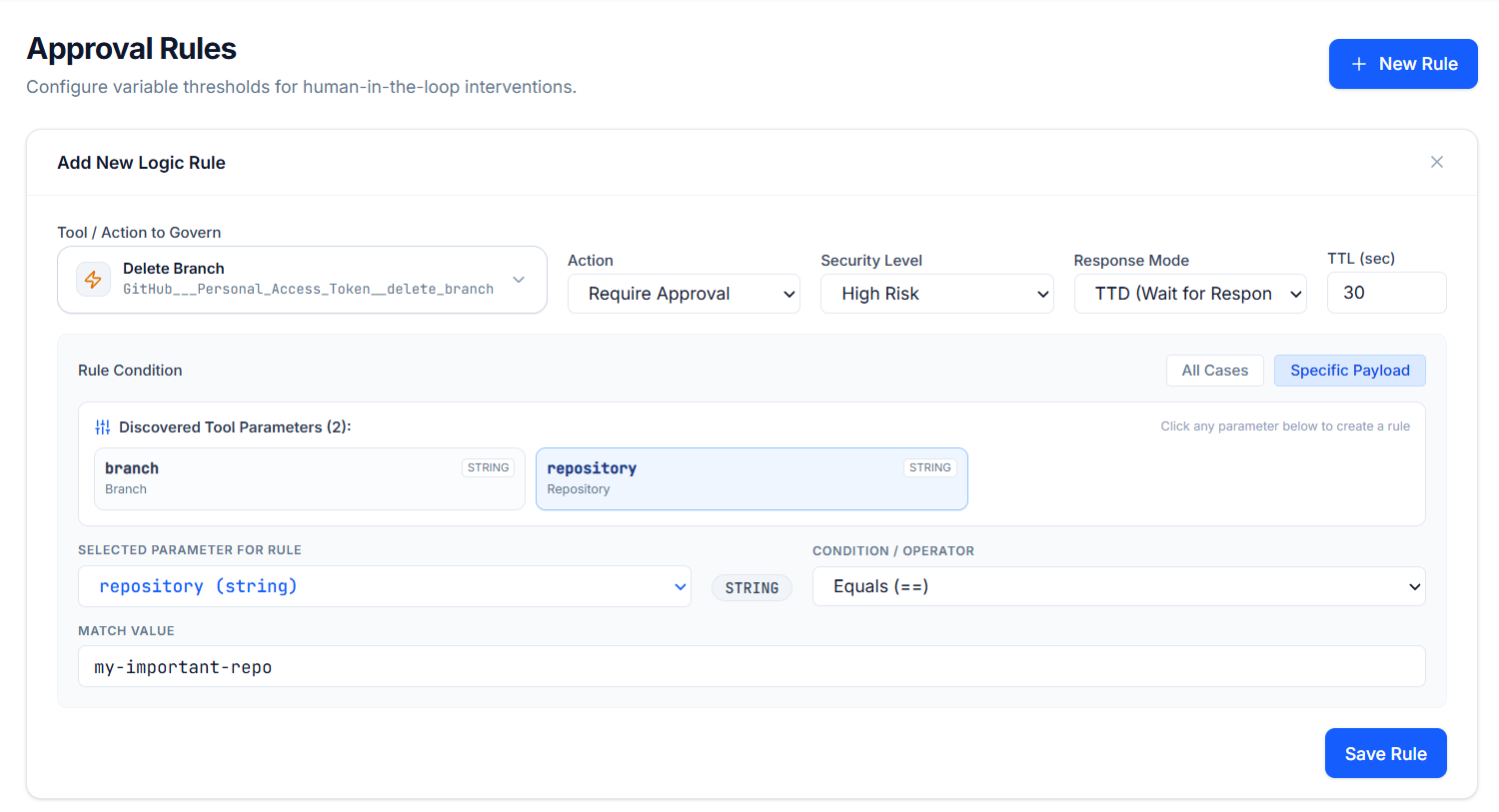
✅ Approval Workflows
Post an approval request to a channel and have your automation wait for a response before proceeding.
Whether you’re running a gaming community, a SaaS support server, or an internal team workspace — this connector turns Discord into a fully automatable extension of your AI stack. No more toggling between your bot dashboard and your AI assistant.
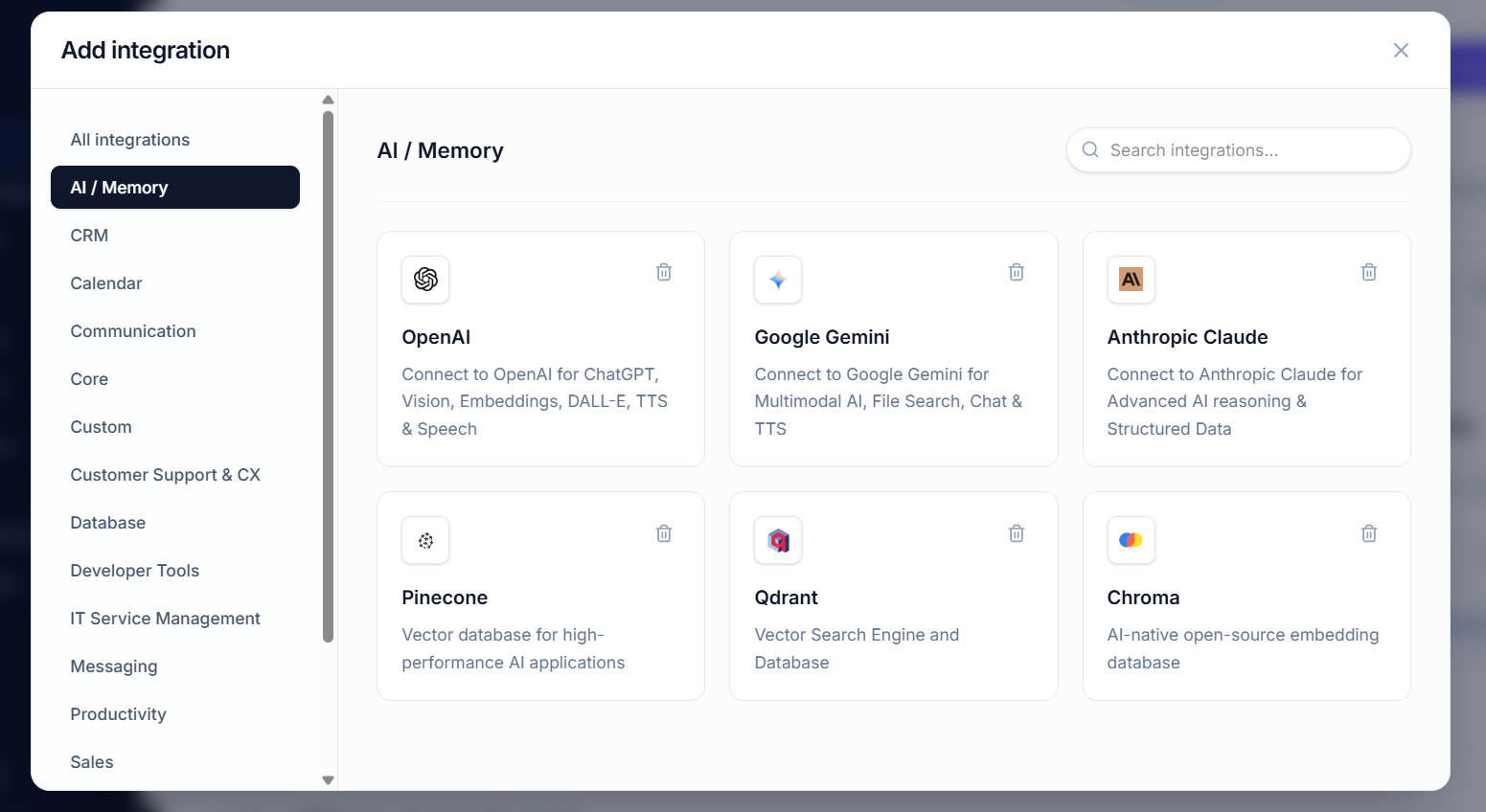
🔗 Explore MCP Admin’s growing integration library at mcpadmin.cloud